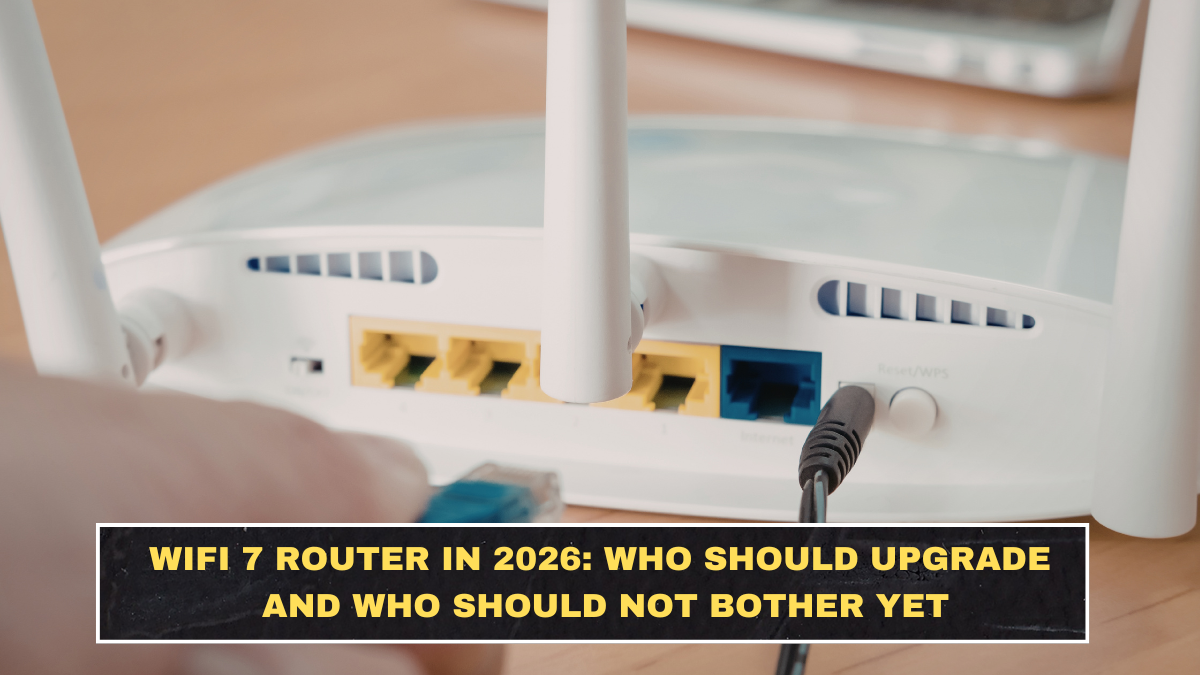
WiFi 7 routers are getting more attention in 2026 because the standard finally looks real, not theoretical. ASUS says WiFi 7 expands WiFi 6 and 6E with 320 MHz channels, 4K-QAM, Multi-Link Operation, Multi-RU, and puncturing, while Intel says WiFi 7 is built for higher speed, lower latency, and more reliable wireless performance.
That sounds impressive, but most buyers are still asking the wrong question. They ask, “Is WiFi 7 faster?” Of course it is. The better question is whether your internet plan, your devices, and your home setup are good enough to benefit from it. If not, you are not buying an upgrade. You are buying future potential you may not use for a while. Apple’s current device support page shows newer iPhones support WiFi 7, including 6 GHz and Multi-Link Operation on supported models, and Intel notes that full WiFi 7 features on PCs require Windows 11 24H2.
What makes WiFi 7 different from older routers?
The biggest technical changes are wider channels, denser data transmission, and better handling of multiple links. ASUS says WiFi 7 adds 320 MHz bandwidth, 4K-QAM, Multi-Link Operation, Multi-RU, and puncturing. TP-Link’s WiFi 7 pages also highlight 320 MHz channels, 4096-QAM, and Multi-Link Operation as the big jumps over older WiFi generations.
In plain English, that means more capacity and better conditions for faster local wireless transfers, lower latency, and stronger performance in busy homes. The FCC’s 6 GHz materials also show why this matters: the 6 GHz band enables very wide channels, including 320 MHz channels relevant to WiFi 7, and expands the spectrum available for high-throughput wireless use.
Who should actually upgrade now?
The best candidates are people with fast broadband, newer devices, and crowded home networks. If you already have gigabit-class or multi-gig internet, several WiFi 7-capable devices, and heavy simultaneous usage like 4K or 8K streaming, gaming, cloud backups, and large file transfers, the upgrade can make sense. Intel says WiFi 7 is designed for wired-like speed and consistent ultra-low latency, and vendors like TP-Link are already selling tri-band WiFi 7 routers in the BE9300 class with combined wireless rates above 9 Gbps.
It also makes more sense for people buying a router anyway. If your old router is already weak, unstable, or missing 6 GHz support entirely, moving straight to WiFi 7 can be smarter than buying late-generation WiFi 6E hardware. Apple’s published specs and Intel’s current WiFi 7 support pages both show that the device ecosystem is no longer empty.
Who should not bother yet?
| Buyer type | Should upgrade now? | Why |
|---|---|---|
| Slow broadband user | No | A 100–300 Mbps connection will not suddenly feel revolutionary just because the router is newer. |
| Mostly older devices | No | WiFi 7 benefits depend on WiFi 7-capable clients and OS support. |
| Apartment with light usage | Probably not | A solid WiFi 6 or 6E router may already be enough. |
| Gigabit or multi-gig household | Yes, maybe | Faster plans and more devices can justify the upgrade. |
| Buyer already replacing old router | Often yes | Better to buy current-gen if the price gap is reasonable. |
This is the part people avoid because it ruins the excitement. A router upgrade does not fix a slow ISP plan, bad placement, thick walls, or ancient client devices. If those are your real bottlenecks, WiFi 7 will not rescue you.
Do you need the 6 GHz band for WiFi 7 to matter?
Not always, but it helps a lot. The 6 GHz band is where some of the headline WiFi 7 advantages become more practical, especially for wide 320 MHz channels. FCC documents make clear that 6 GHz expansion is a major part of enabling very wide channels for next-generation WiFi. TP-Link’s current BE9300 examples also show how much of the top-end throughput is concentrated in the 6 GHz band.
That said, this is also where people get misled. Just because a phone or laptop says “WiFi 7” does not mean it supports every premium WiFi 7 feature in the same way. Apple’s support page lists WiFi 7 with 2×2 MIMO and MLO on supported models, while Intel explicitly says PC WiFi 7 features depend on Windows 11 24H2. In other words, compatibility is real, but not identical across devices.
What should buyers check before spending money?
First, check your devices. Second, check your internet speed. Third, check whether the router has the ports to match your plan, especially if you have multi-gig broadband. Current WiFi 7 routers like TP-Link’s Archer BE550/BE9300 class are being sold around very high wireless numbers, but that does not mean your own devices or internet line can use all of that.
Also check software maturity. Intel’s March 2026 driver notes show WiFi 7 support is active and evolving, which is normal for a newer standard. Early adoption is fine, but acting shocked by firmware updates and occasional compatibility issues would be naive.
Conclusion?
WiFi 7 routers in 2026 are worth it for people with fast internet, newer devices, and real network demands. The standard brings meaningful improvements like 320 MHz channels, Multi-Link Operation, and higher efficiency, and device support is no longer hypothetical.
But for plenty of buyers, the upgrade is still premature. If your plan is modest, your devices are older, and your current WiFi is already fine, a WiFi 7 router is mostly an expensive way to feel modern. The smarter move is to buy it when your actual setup can use it, not when the label starts sounding exciting.
FAQs
Is WiFi 7 really faster than WiFi 6 and 6E?
Yes. Official vendor and platform documentation points to improvements such as 320 MHz channels, 4K-QAM, and Multi-Link Operation, all designed to improve speed, latency, and capacity.
Do you need WiFi 7 devices to benefit from a WiFi 7 router?
Mostly yes for the biggest gains. Older devices can still connect, but the headline WiFi 7 features require compatible client hardware and, in some cases, supported operating systems.
Should I upgrade if I only have a basic internet plan?
Probably not. If your broadband speed is modest, the router alone will not transform your experience enough to justify the cost.
Is WiFi 7 worth buying in 2026 if I already need a new router?
Often yes. If you are replacing old hardware anyway, buying current-generation gear can make sense, especially if you already own or plan to buy newer WiFi 7 devices.
Click here to know more