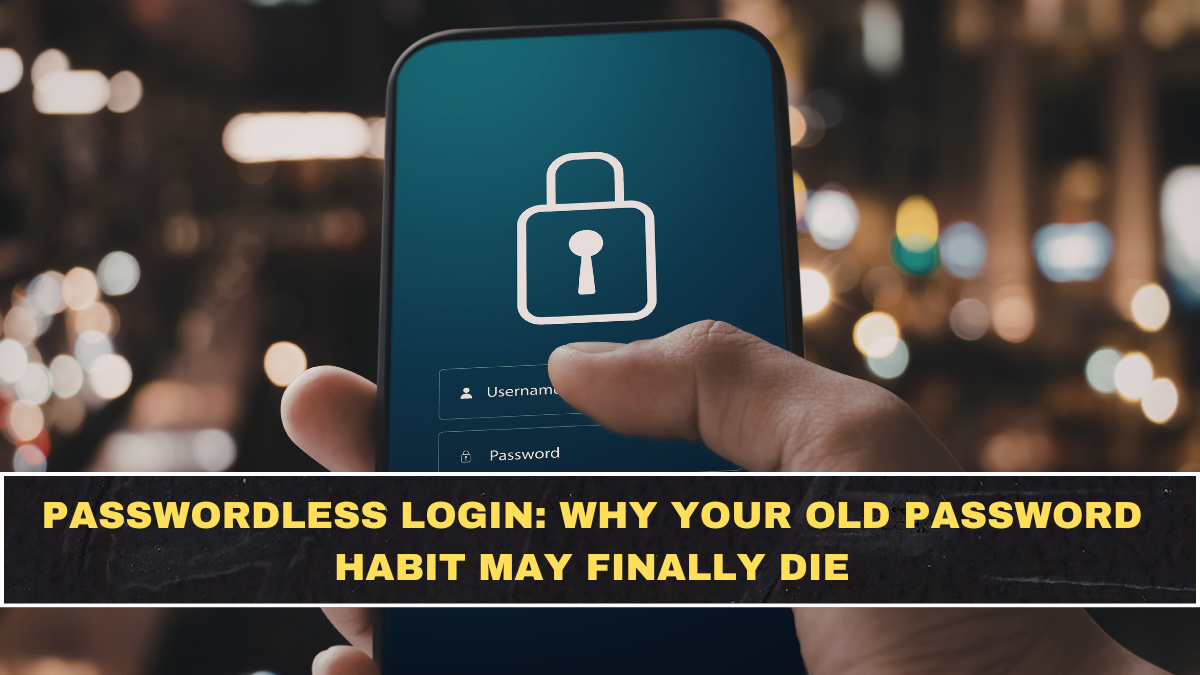
Passwords have been a weak point of online life for years because people reuse them, forget them, save them carelessly and fall for phishing pages. Now, passkeys are pushing passwordless login into the mainstream by letting users sign in with a fingerprint, face scan, PIN or device screen lock instead of typing a password. Google describes passkeys as an easier and more secure alternative to passwords, especially because users do not need to remember or manage long login details.
This matters for normal users because banking, shopping, email and work accounts are all moving toward simpler but stronger sign-in systems. The old advice of “make a strong password and don’t reuse it” is still useful, but it is no longer enough. If a login method can remove the password from the attack path completely, users and companies will naturally move toward it.
What Are Passkeys In Simple Words?
A passkey is a digital credential stored securely on your device or synced through your account ecosystem. Instead of typing a password, you approve login using your device’s normal unlock method, such as fingerprint, face recognition, PIN or pattern. Google’s developer documentation says passkeys allow users to sign in to apps and websites using these device-based checks, removing the need to remember passwords.
| Feature | Password | Passkey |
|---|---|---|
| Login Method | Typed text | Fingerprint, face scan, PIN or screen lock |
| Phishing Risk | High | Strongly reduced |
| Reuse Problem | Common | No reused password |
| Memory Needed | Yes | No |
| Breach Impact | Password can leak | No password to steal |
| User Experience | Often slow | Usually faster and simpler |
Why Are Passkeys Safer Than Passwords?
Passkeys are safer because they are designed to resist phishing and credential theft. The FIDO Alliance says passkeys are phishing-resistant by design and help reduce attacks such as phishing, credential stuffing and other remote attacks. The reason is simple: there is no password for the user to accidentally give away, and no reusable login secret that a fake website can steal.
Google also explains that passkeys cannot be shared, copied, written down or accidentally given to someone else like a password. That directly attacks the most common weakness in online security: human error. Most people are not hacked because a movie-style genius broke into their laptop; they are hacked because they reused a weak password or entered it on the wrong page.
Why Is Passwordless Login Becoming Popular Now?
Passwordless login is becoming popular because big platforms, banks, retailers and tech companies finally have enough device support to make passkeys practical. FIDO Alliance’s 2025 Passkey Index says leading service providers including Amazon, Google, Microsoft, PayPal, TikTok and others are contributing to growing passkey adoption. That means this is not a niche experiment anymore; major internet platforms are actively building around it.
The shift is also happening because users are tired of login friction. Nobody wants to reset passwords, handle OTP delays, remember special characters or worry about leaked credentials. Passkeys offer a cleaner route where the phone or laptop becomes the trusted login tool. The catch is that users must still protect their devices properly, because convenience without basic device security is just another weak habit.
Where Will Passkeys Matter Most?
Passkeys can matter anywhere users need secure login, but the biggest impact will be in high-risk accounts. Email, banking, investment apps, work tools, shopping accounts and cloud storage are obvious examples. If someone controls your email, they can reset many other accounts. If someone controls your banking or shopping account, the damage can become financial very quickly.
Users should prioritise passkeys for:
- Email accounts used for password recovery.
- Banking, UPI-linked and investment accounts.
- Shopping apps with saved cards or addresses.
- Work accounts with company data access.
- Cloud storage containing documents and photos.
- Social media accounts with public identity risk.
What Are The Weak Points People Ignore?
Passkeys are strong, but they are not magic. If users lose access to their device ecosystem and have weak recovery options, account recovery can become painful. If a phone has no lock screen, poor backup habits or careless sharing, security still suffers. The passkey protects login, but it does not fix irresponsible device behaviour.
The second issue is adoption confusion. Some users still do not understand where passkeys are stored, how syncing works or what happens when they change phones. This is why platforms must explain passkeys clearly instead of throwing a technical pop-up at people. If users feel confused, they will fall back to passwords, even when the safer option is available.
Conclusion: Are Passwords Really Going Away?
Passwords will not disappear overnight, but their dominance is clearly weakening. Passkeys are easier, safer and better suited for a world where phishing, data leaks and password reuse are constant threats. For everyday users, the biggest benefit is simple: less typing, fewer resets and a much lower chance of handing login details to a fake website.
The blunt reality is that old password habits are outdated. If a trusted service offers passkeys, ignoring them because “passwords are familiar” is lazy security thinking. The smarter move is to start with your most important accounts, set up passkeys carefully and keep your device lock, recovery email and backup options strong.
FAQs
What Is Passwordless Login?
Passwordless login means signing in without typing a traditional password. It usually uses methods like passkeys, biometrics, PINs, security keys or device-based approval. Passkeys are becoming one of the most popular passwordless options because they are easier for users and harder for attackers to steal.
Are Passkeys Safer Than Passwords?
Yes, passkeys are generally safer than passwords because they are resistant to phishing and cannot be reused across fake websites. The FIDO Alliance says passkeys are secure by design and reduce attacks like phishing and credential stuffing. Users still need to protect their phone, laptop and account recovery options properly.
Can I Use Passkeys For Google Accounts?
Yes, Google allows users to create passkeys for Google Accounts and sign in using a fingerprint, face scan or screen lock. Google also says passkeys are easier and more secure than passwords. Users can check their Google Account settings to see whether passkeys are available on their device.
Should I Stop Using Passwords Completely?
Not immediately, because many websites and apps still require passwords as backup or primary login. The better approach is to enable passkeys wherever trusted services support them, especially for email, banking, work and shopping accounts. Over time, passwords may become secondary instead of the main way people sign in.